
It starts with a better menu.
A better menu, a better guest experience. Practical guides to digital menus and the details that matter at your tables.
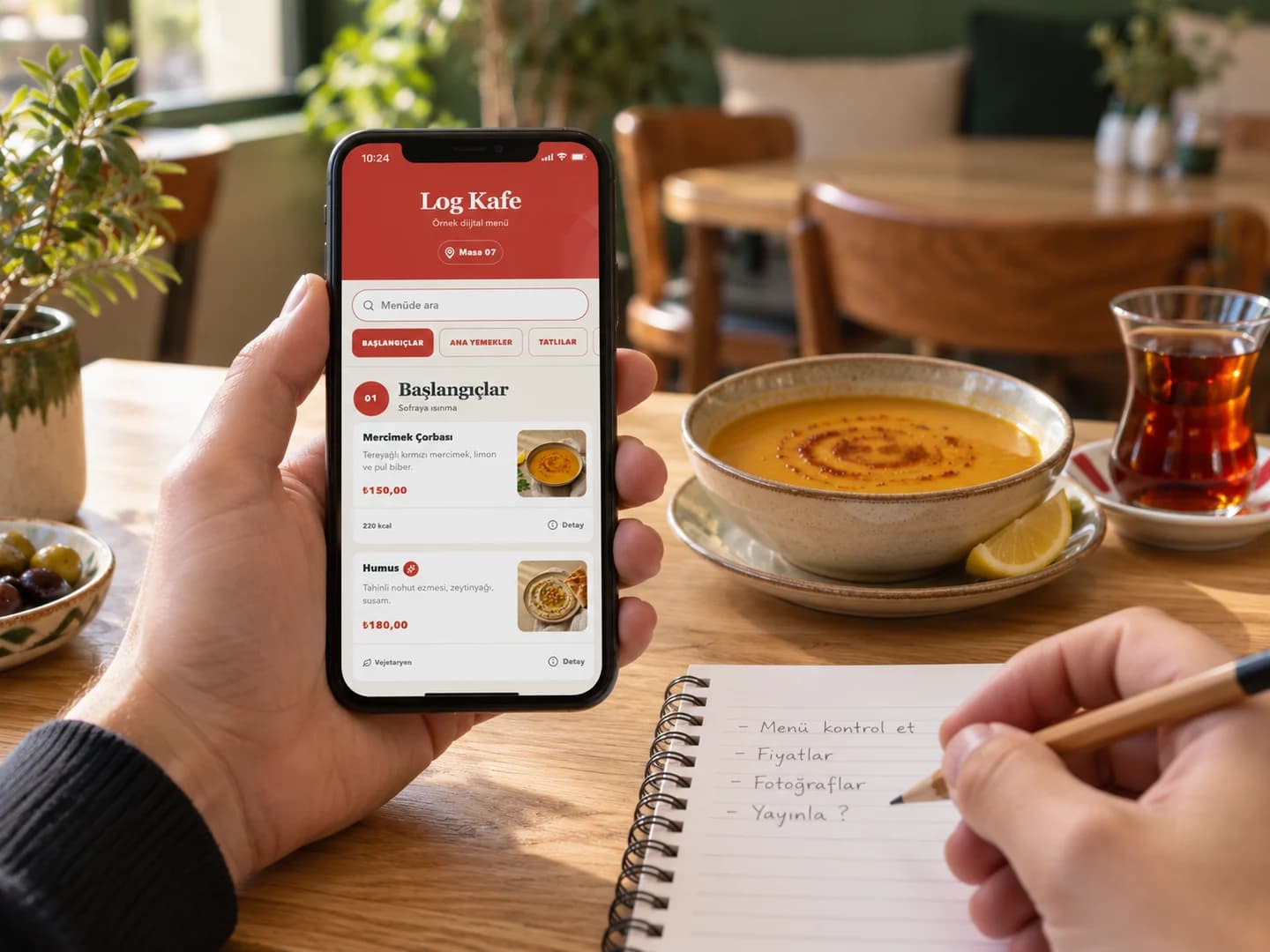
How to create a QR menu: from product list to first publication
Prepare a QR menu for your café or restaurant: product details, digital menu, QR code, table testing and update checks.
Read the guideKeep exploring
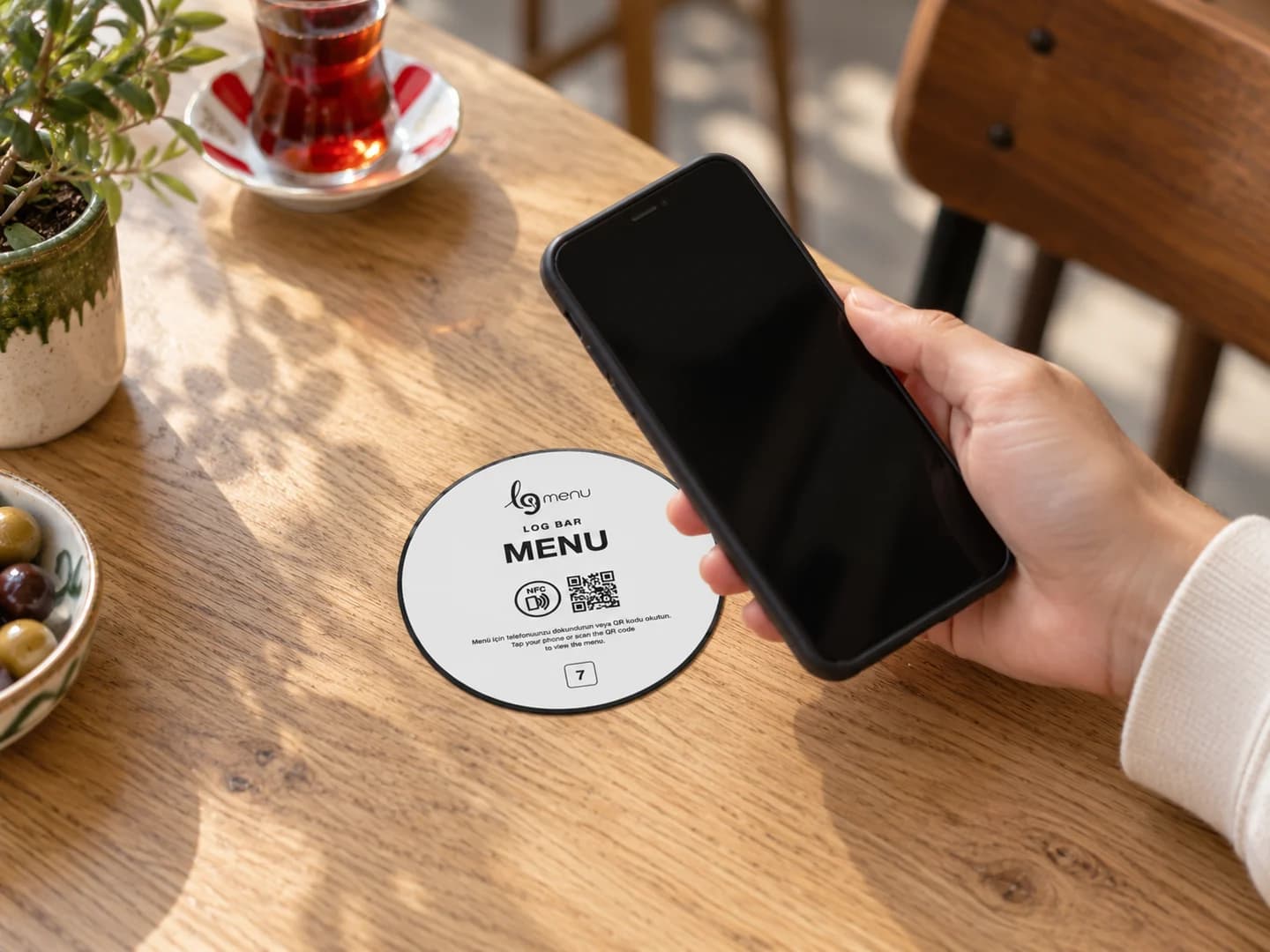
NFC vs QR menu: which suits your business?
Compare NFC and QR menus by access method, phone compatibility, table placement and everyday use.
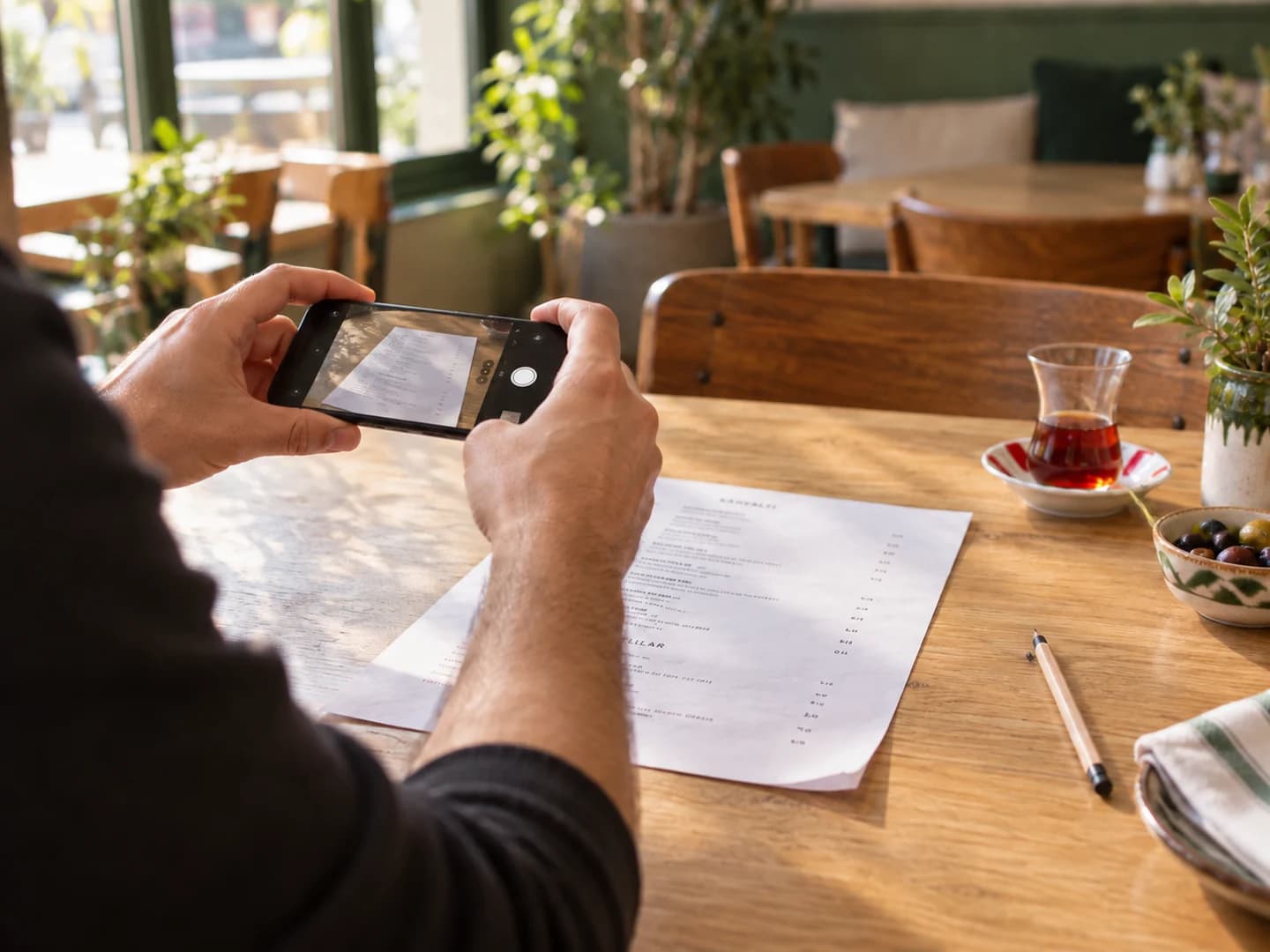
Import a menu photo with AI: make two credits count
Prepare a readable photo, review prices and revise the draft when importing a printed menu with LogMenu AI.
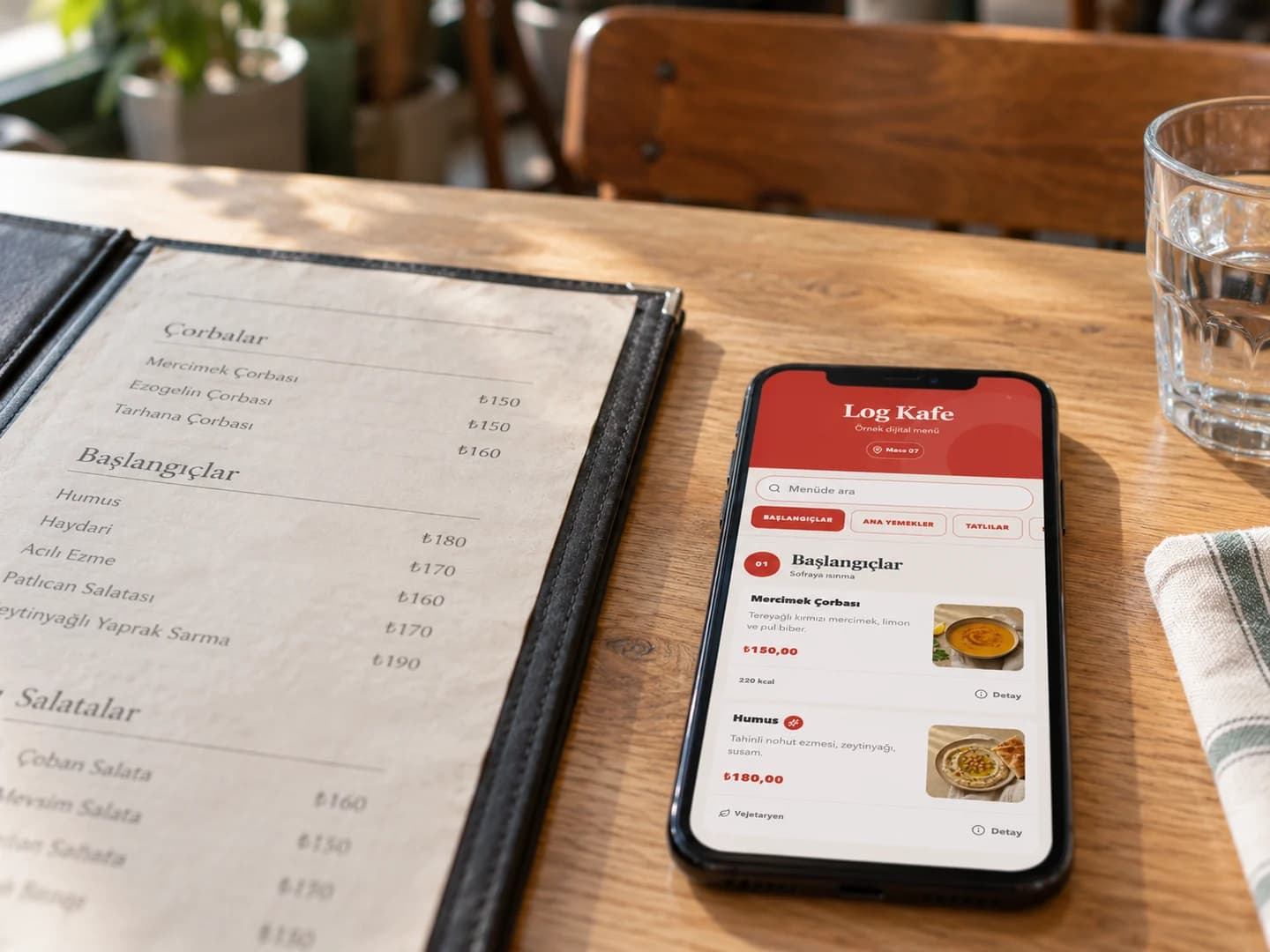
PDF or managed digital menu?
Compare PDF and digital menus for price updates, mobile reading, product management and measurement.

How to use menu analytics for better decisions
Read menu views, product interest and order records with meaningful date ranges and comparable periods.
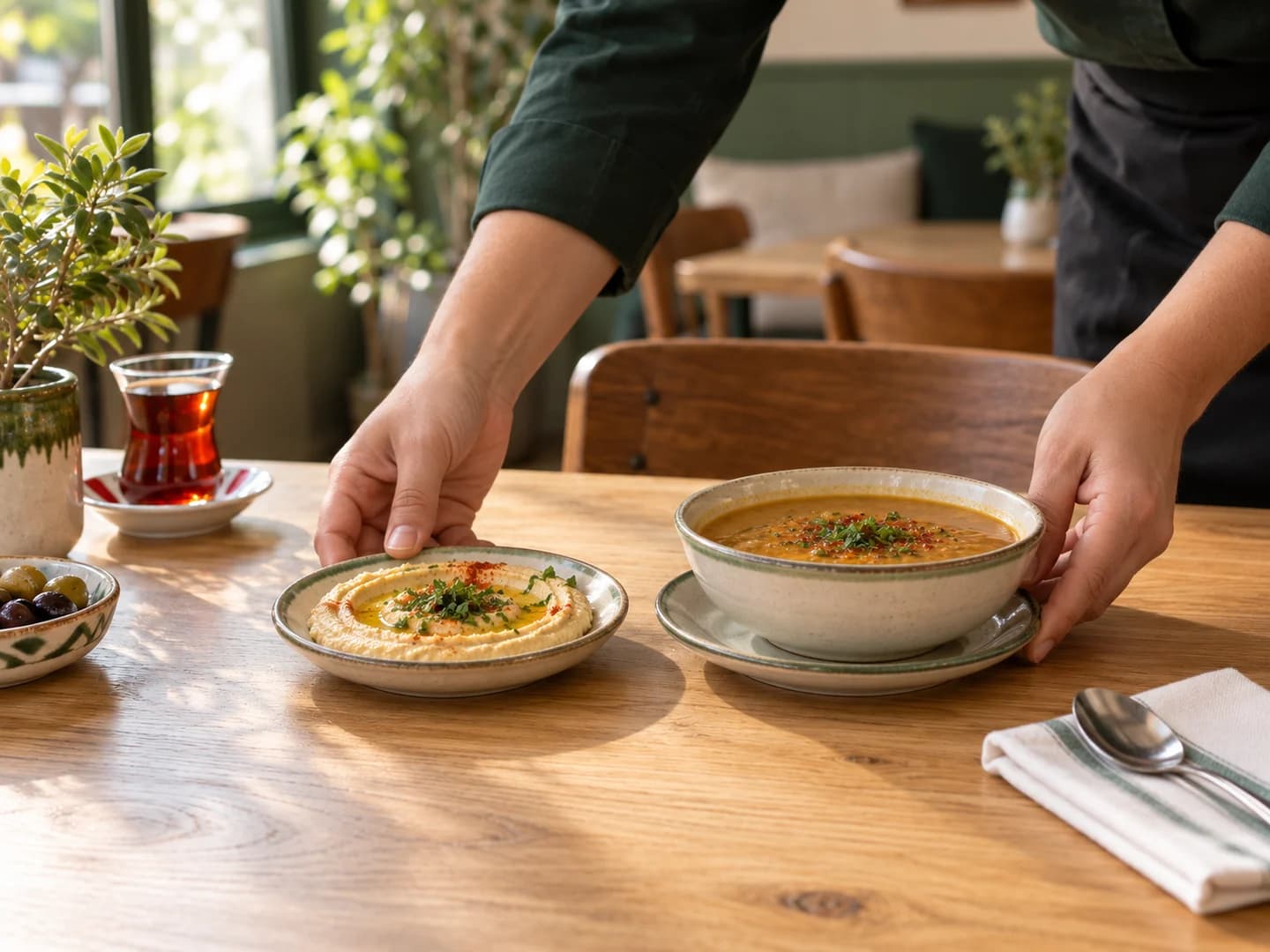
Products viewed but not ordered: what to check
Review data coverage, product photos, portions, prices and availability when interest is high but recorded orders are low.
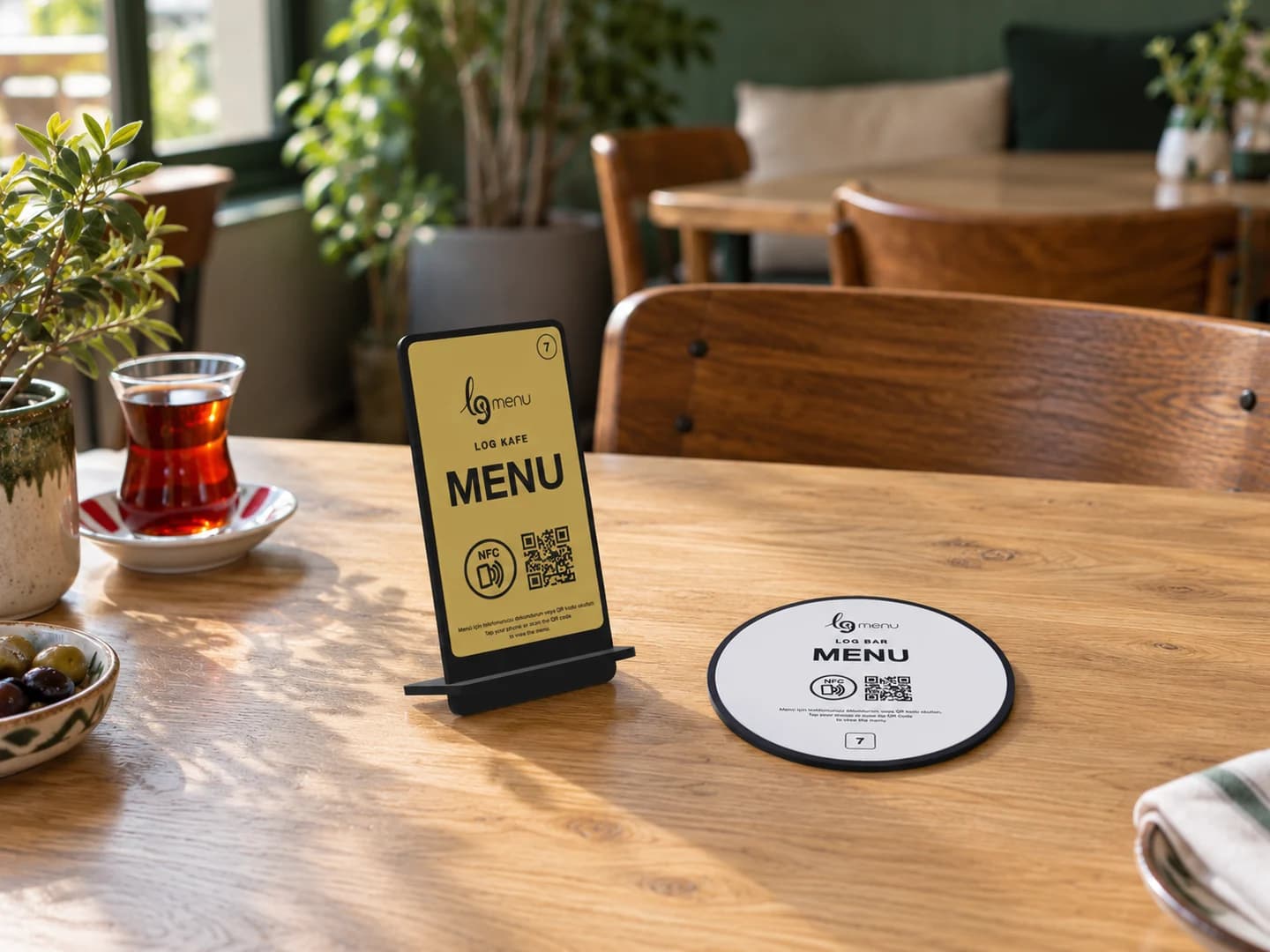
Menu stand or plate? Choose for your table layout
Compare QR and NFC stands and plates for visibility, table space, surface, cleaning and phone access.
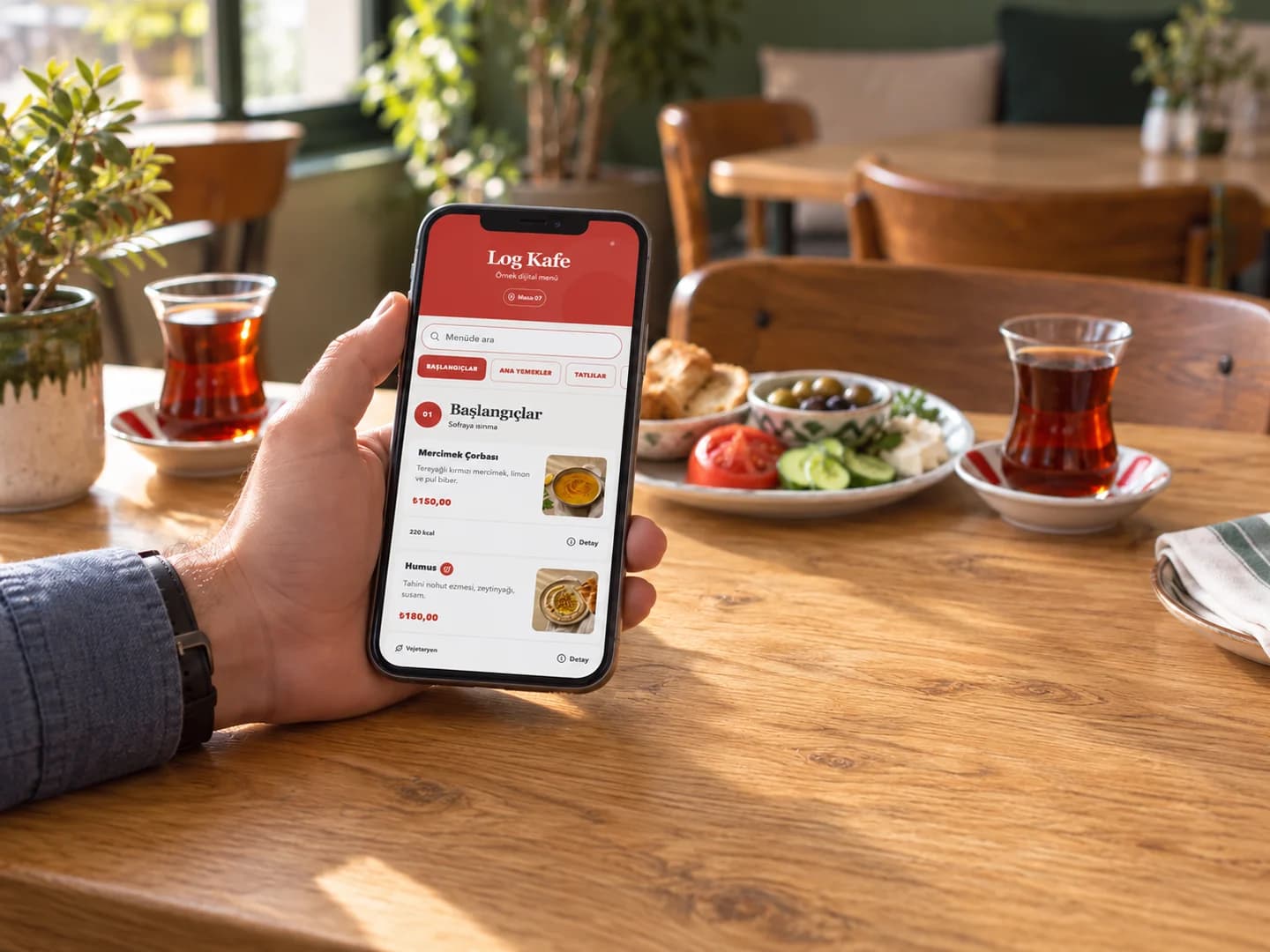
Prepare a multilingual menu for international guests
Plan product names, ingredients, portions and translation review for a restaurant serving international visitors.
Try free for 7 days
Verify your email and prepare your menu. Your 7-day free trial starts when you first publish; your account includes 2 AI credits in total. No card details required.
An AI message, photo import or URL import uses one credit. Failed jobs are refunded. Review your draft before publishing.