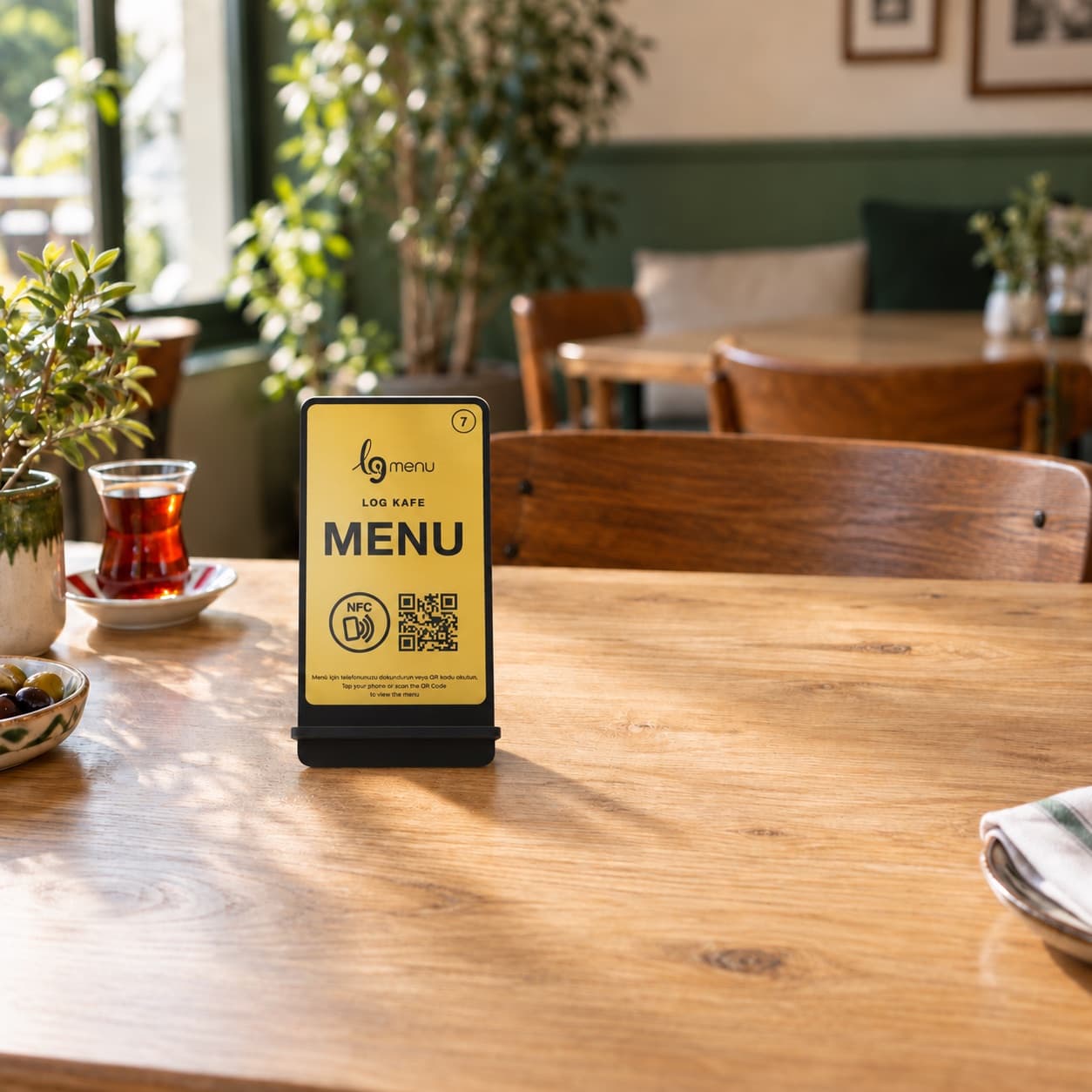
Tap the
table.
Open the
menu.
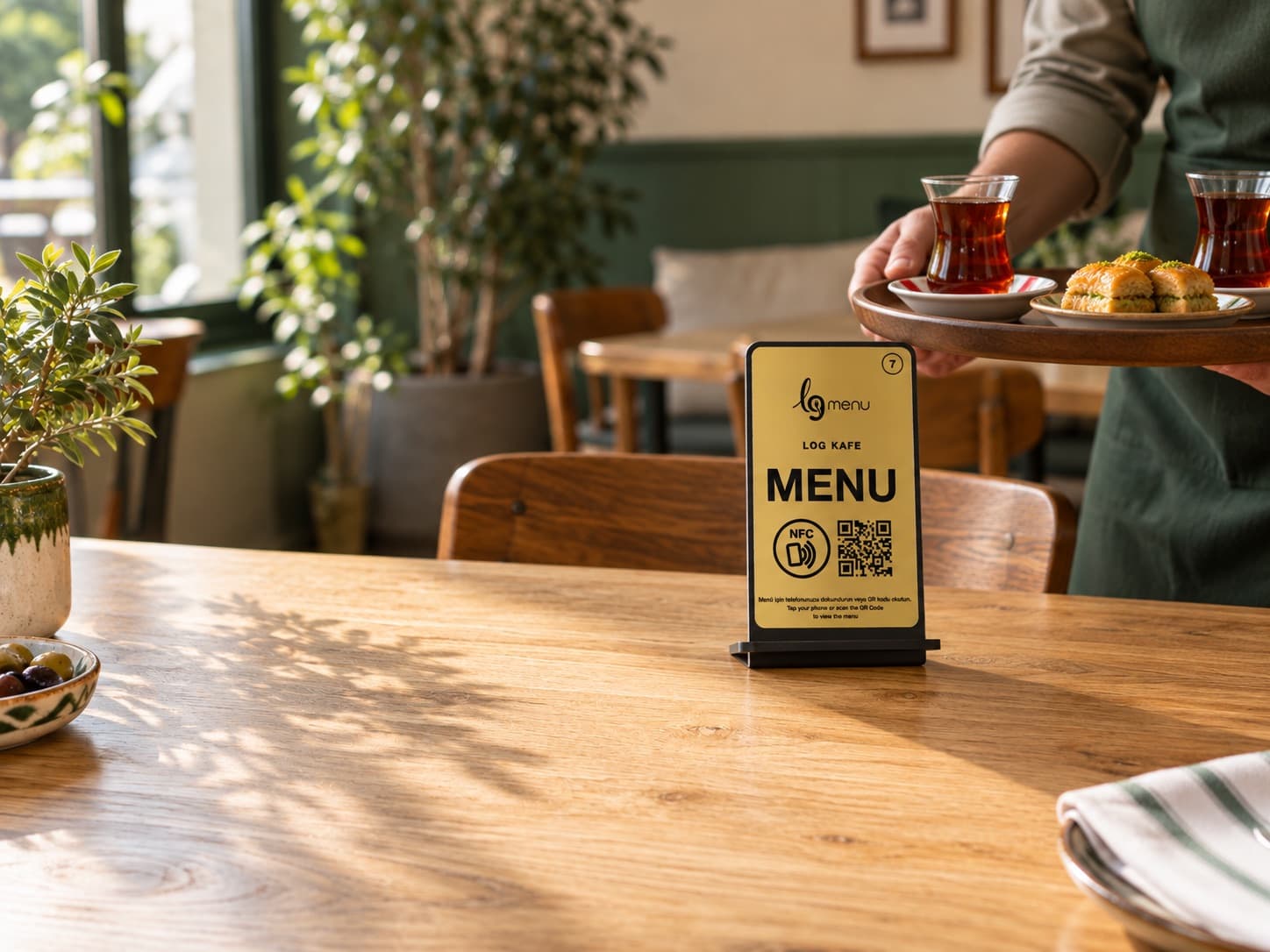
A considered stand on the table, your real menu on the guest’s phone. Orders go straight to the kitchen. No app, no guest account.
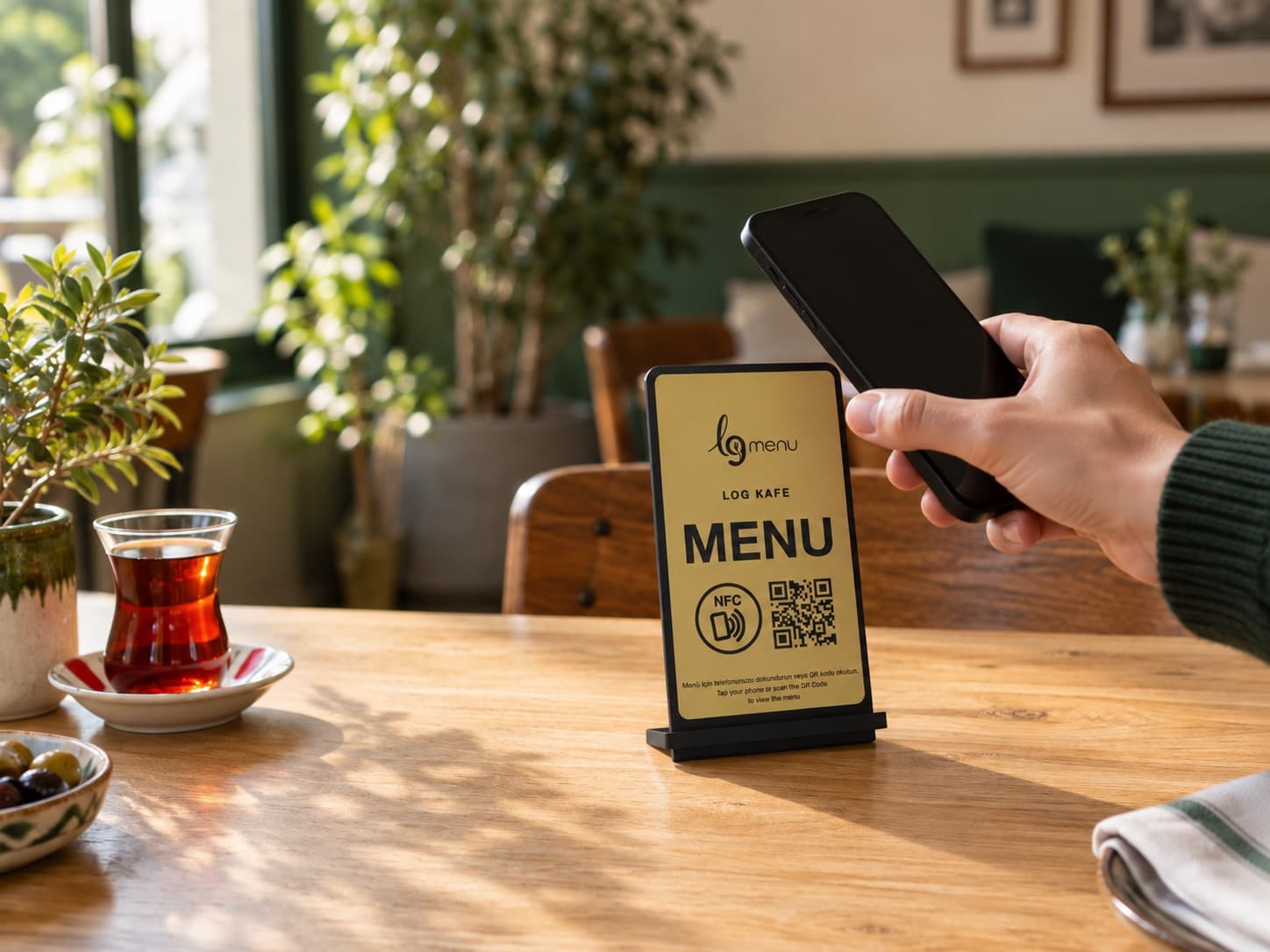
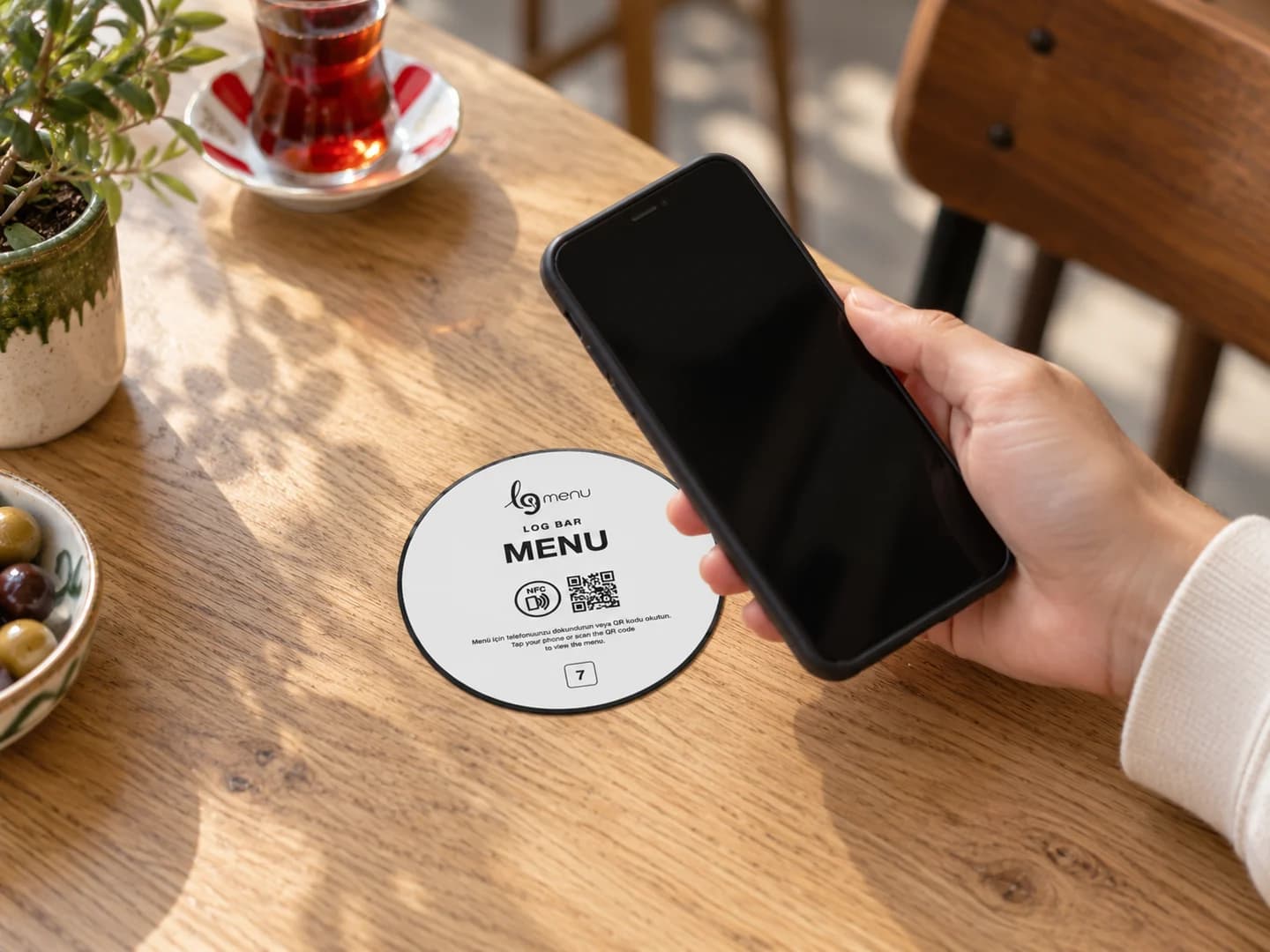
Tap your phone on the stand
No NFC? Scan the QR. Both are on the same stand.
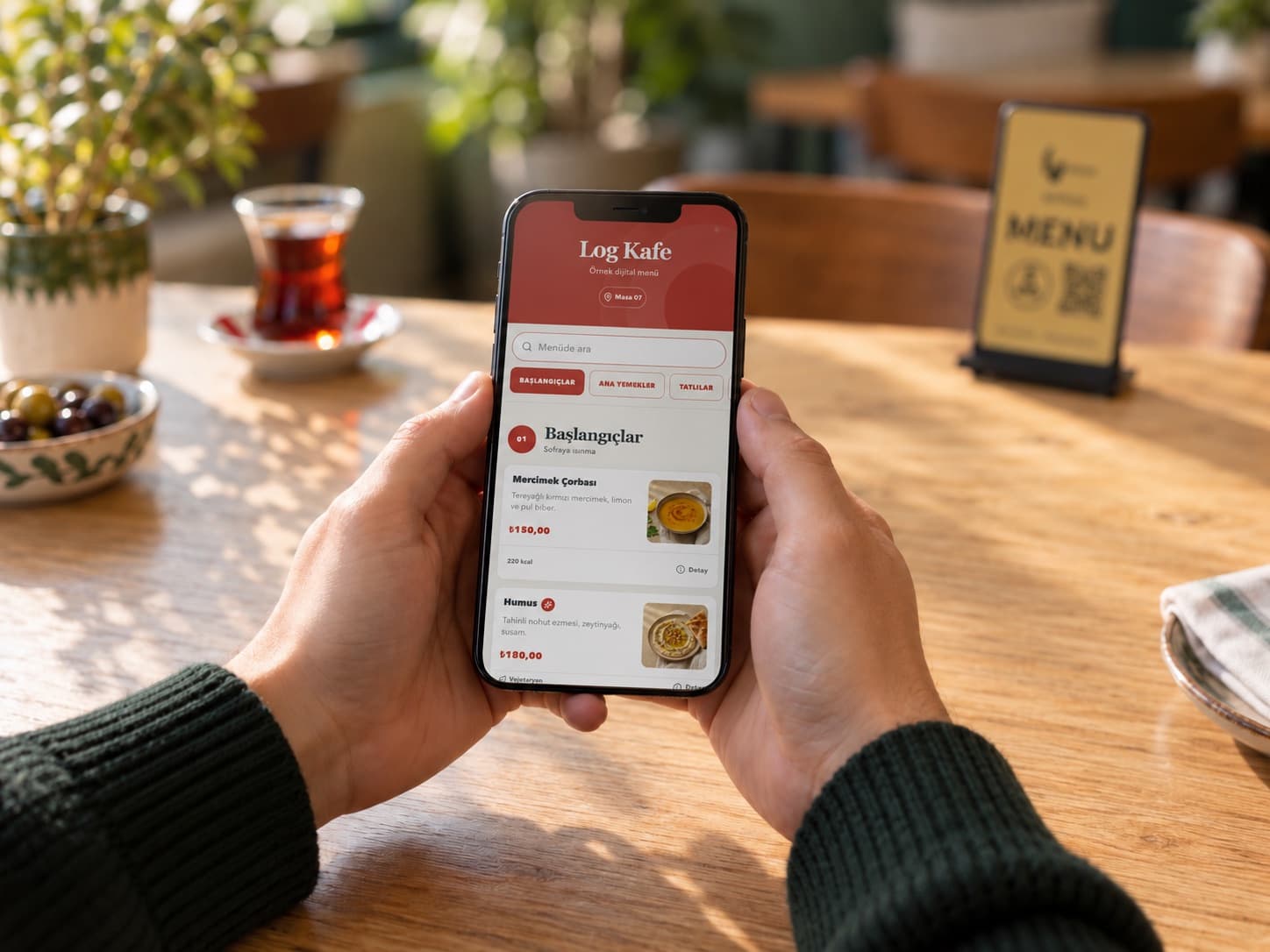
The menu opens immediately
In the browser, with the table context. No app or account needed.
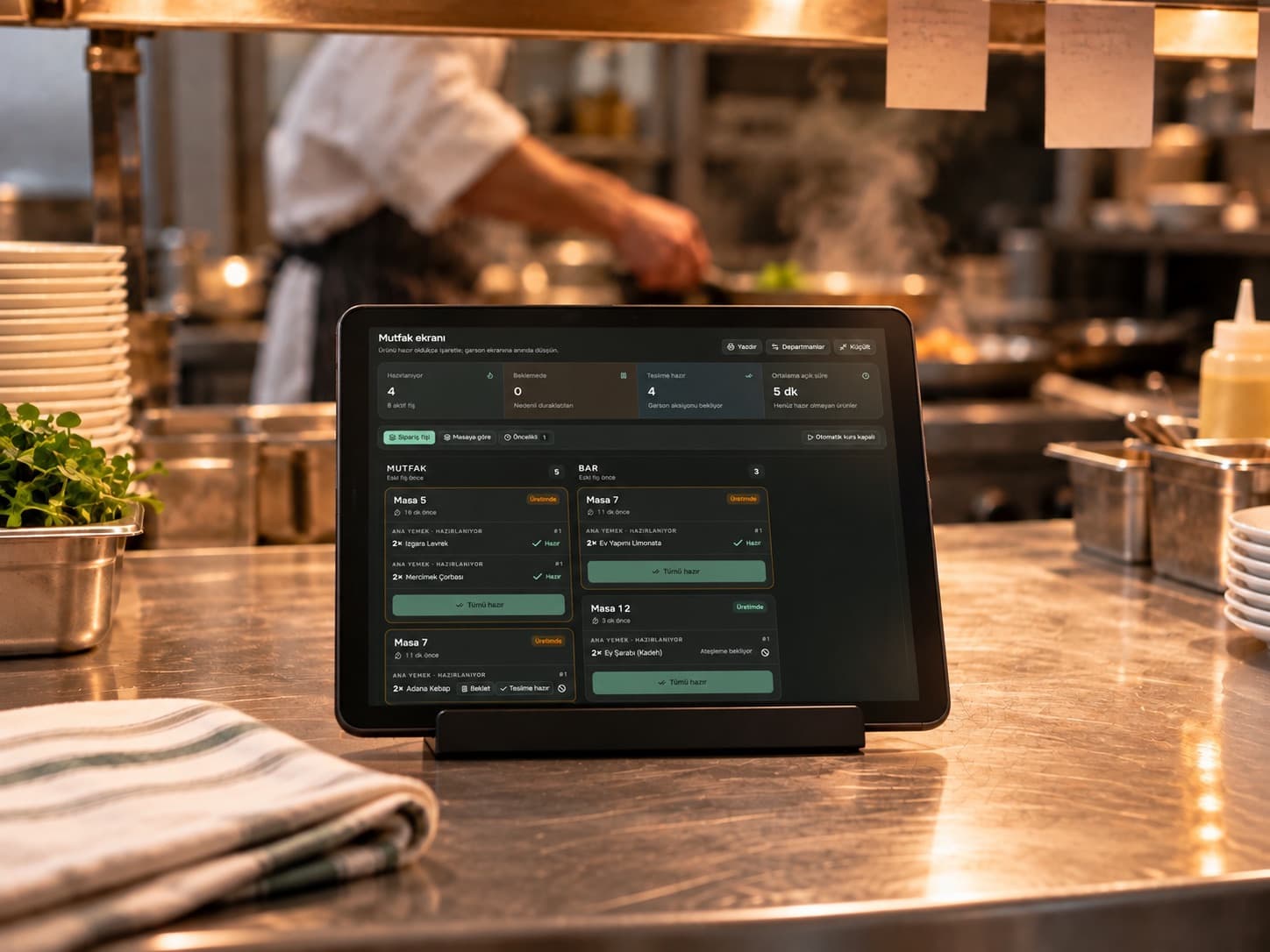
Orders reach the kitchen
The right preparation queue, with the table number.
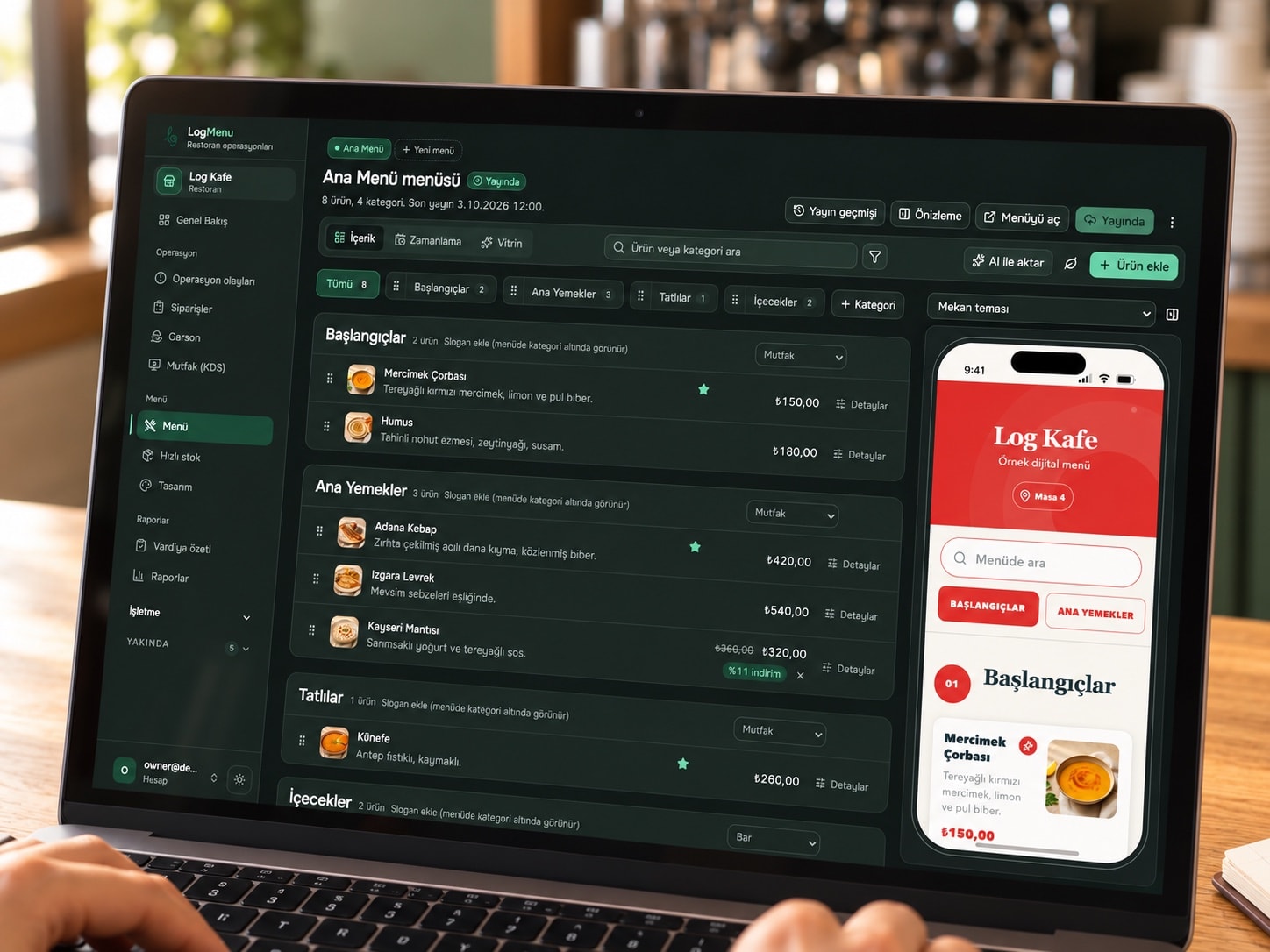
Manage in the panel.
Publish instantly.
Update products, prices and availability across your tables in seconds.
Our products.
For your tables.
Freestanding stands and adhesive table plates. Personalised with your business name and logo, in gold, white and red. NFC and QR on the same face.
From menu to table. All together.
Create, share with your guests, and improve. Start with what your business needs and manage it all from one panel.
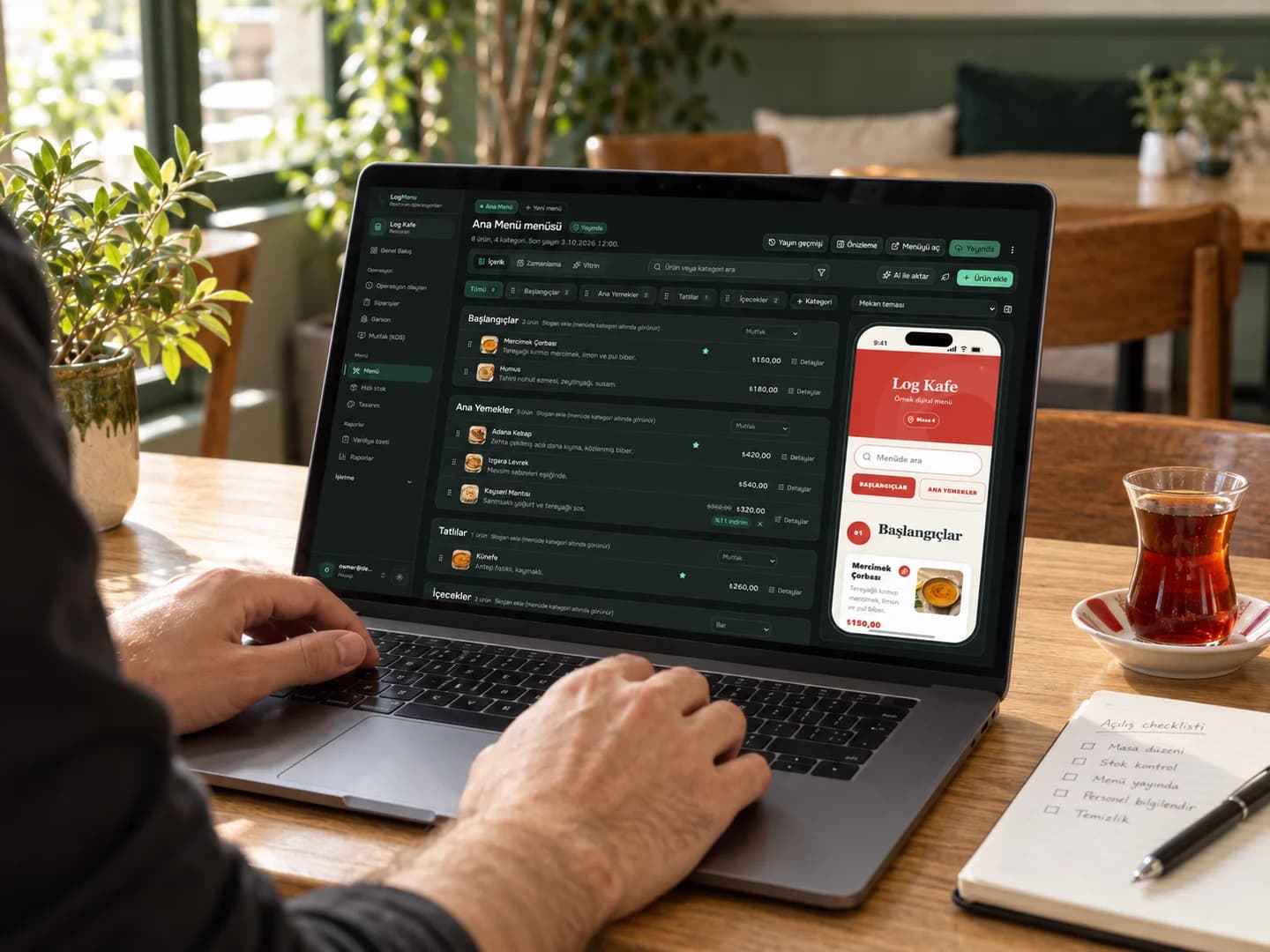
Your menu, always up to date.
Edit products and prices in one place. Guests scan the QR code to open your current menu.
QR menu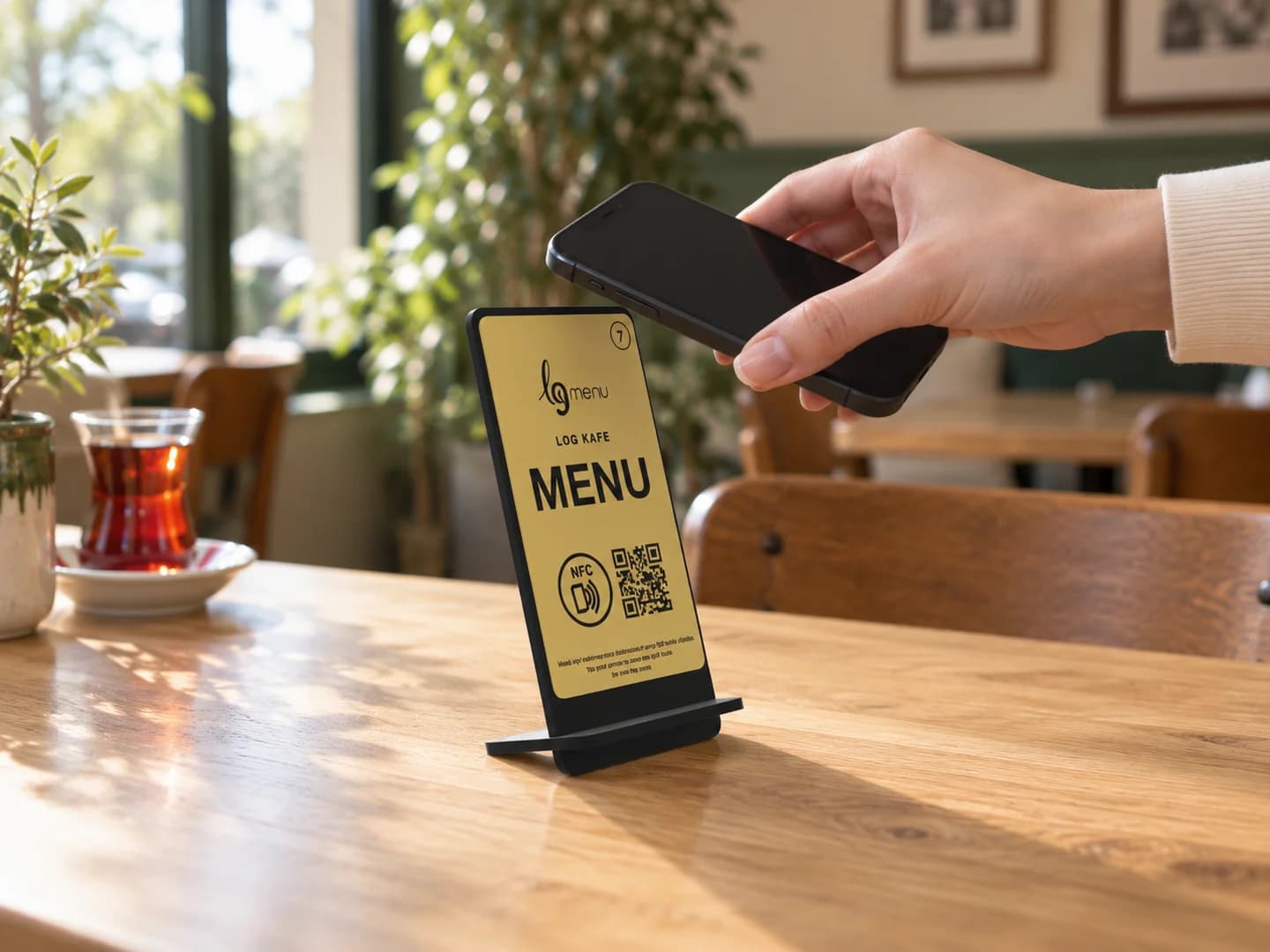
From table to menu in a tap.
Bring a phone close to the stand or plate. No app download, with QR access alongside.
NFC menuLet AI prepare the first draft.
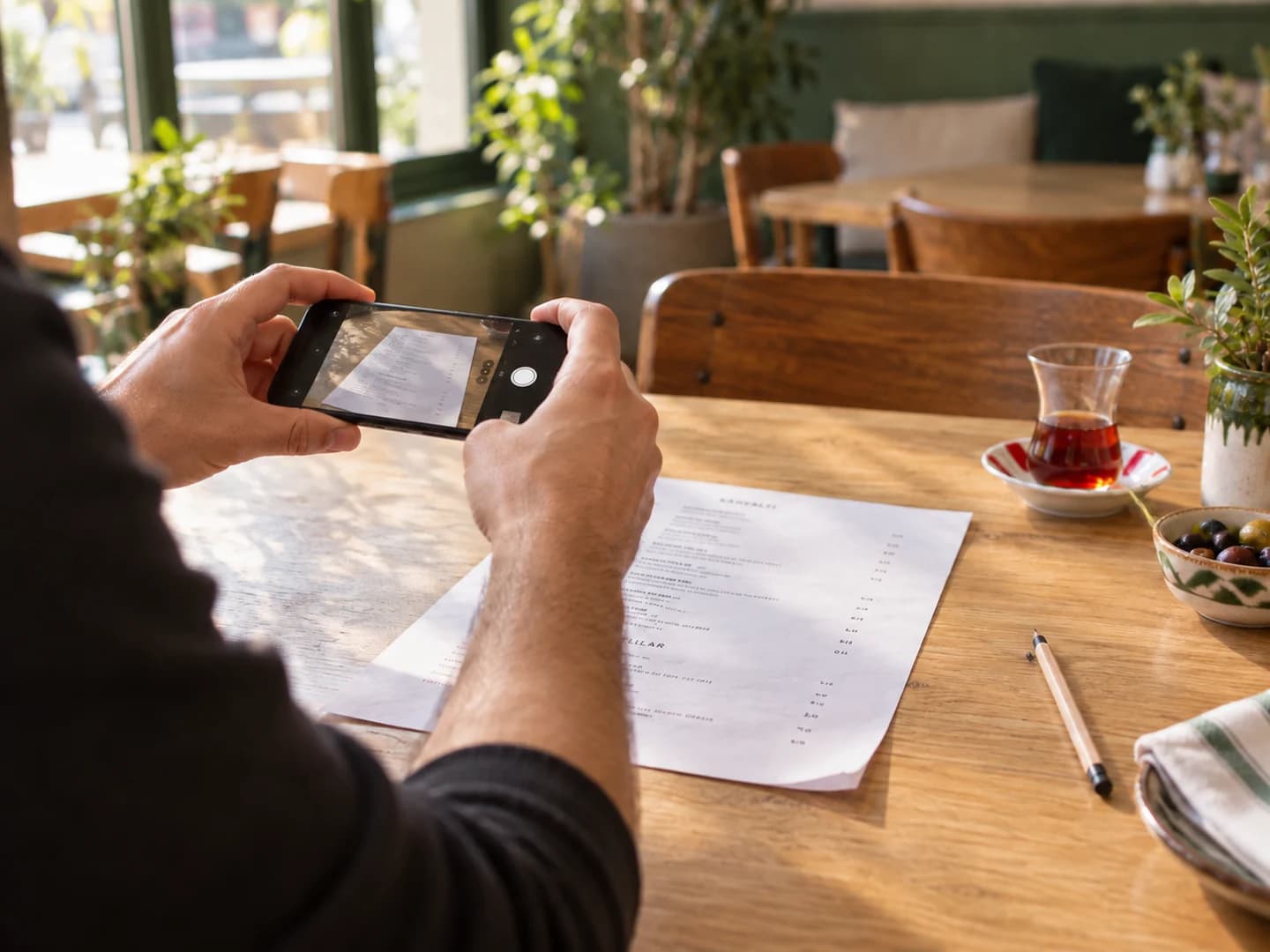
Import a photo, link, or product list. Review, refine, and publish.
Explore solutionUnderstand interest. Improve your menu.
Track views and product interest to support decisions with real data.
Explore solutionIn your guest’s language.
Offer product names and descriptions in multiple languages so every guest can explore.
Explore solution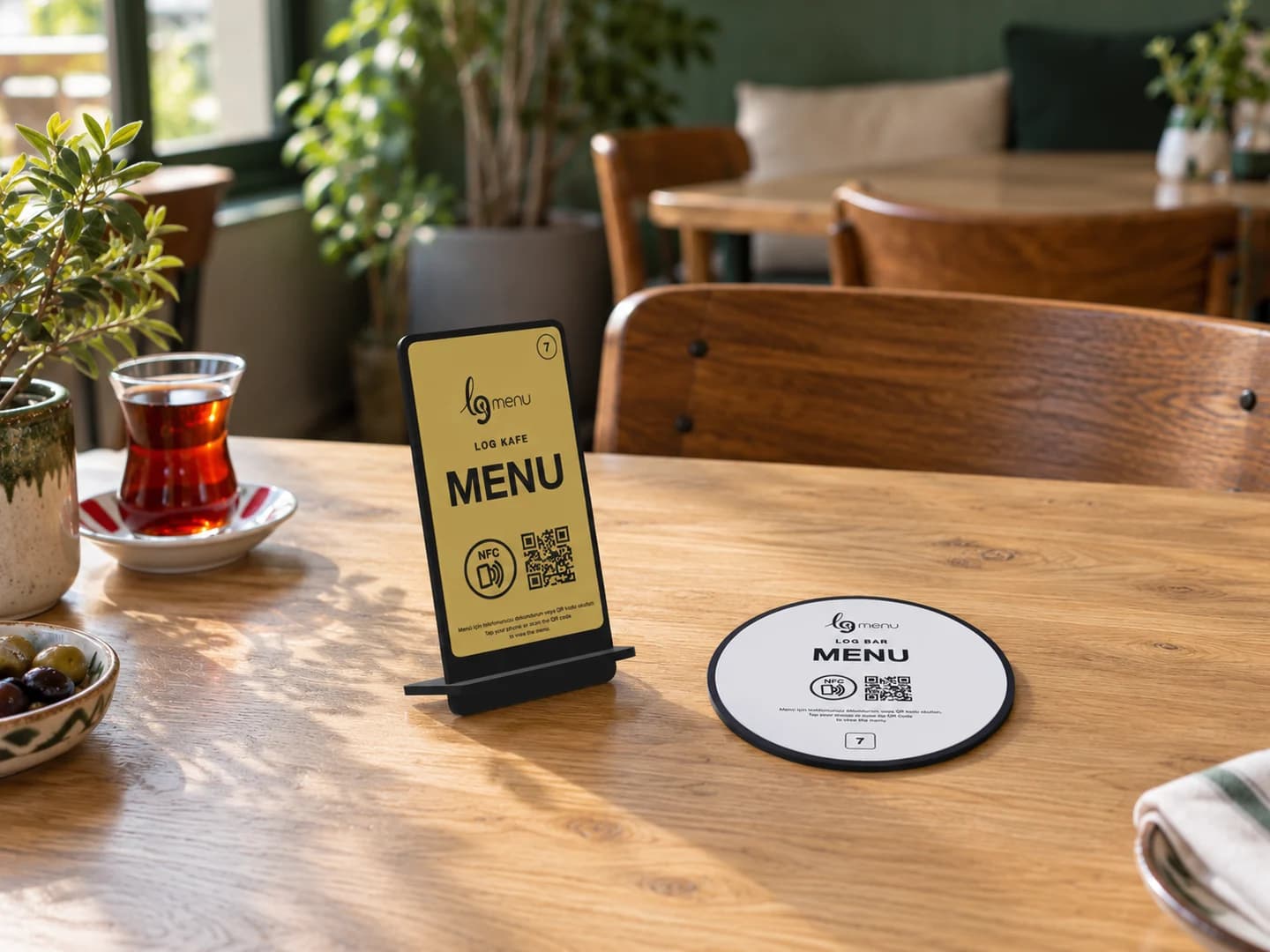
Frequently asked questions
Do guests need an app to use LogMenu?
No. The menu opens in the phone’s browser. No app, account or password is needed.
Can QR and NFC be used together?
Yes. QR and NFC work on the same table product. Phones without NFC can open the menu by scanning the QR code.
Can we update menu prices and products ourselves?
Yes. Update products, prices, descriptions and availability in the panel, then publish the changes to your menu.
Where do orders go?
Orders are routed to the relevant kitchen, bar or preparation queue with the table information.
Can we use more than one language?
Yes. Manage the different language editions of the same menu separately from one panel.
Can LogMenu be used just as a QR menu?
Yes. Start with the digital menu and enable ordering, service requests and operational flows as you need them.
Have another question? Write to us.
Blog
All articles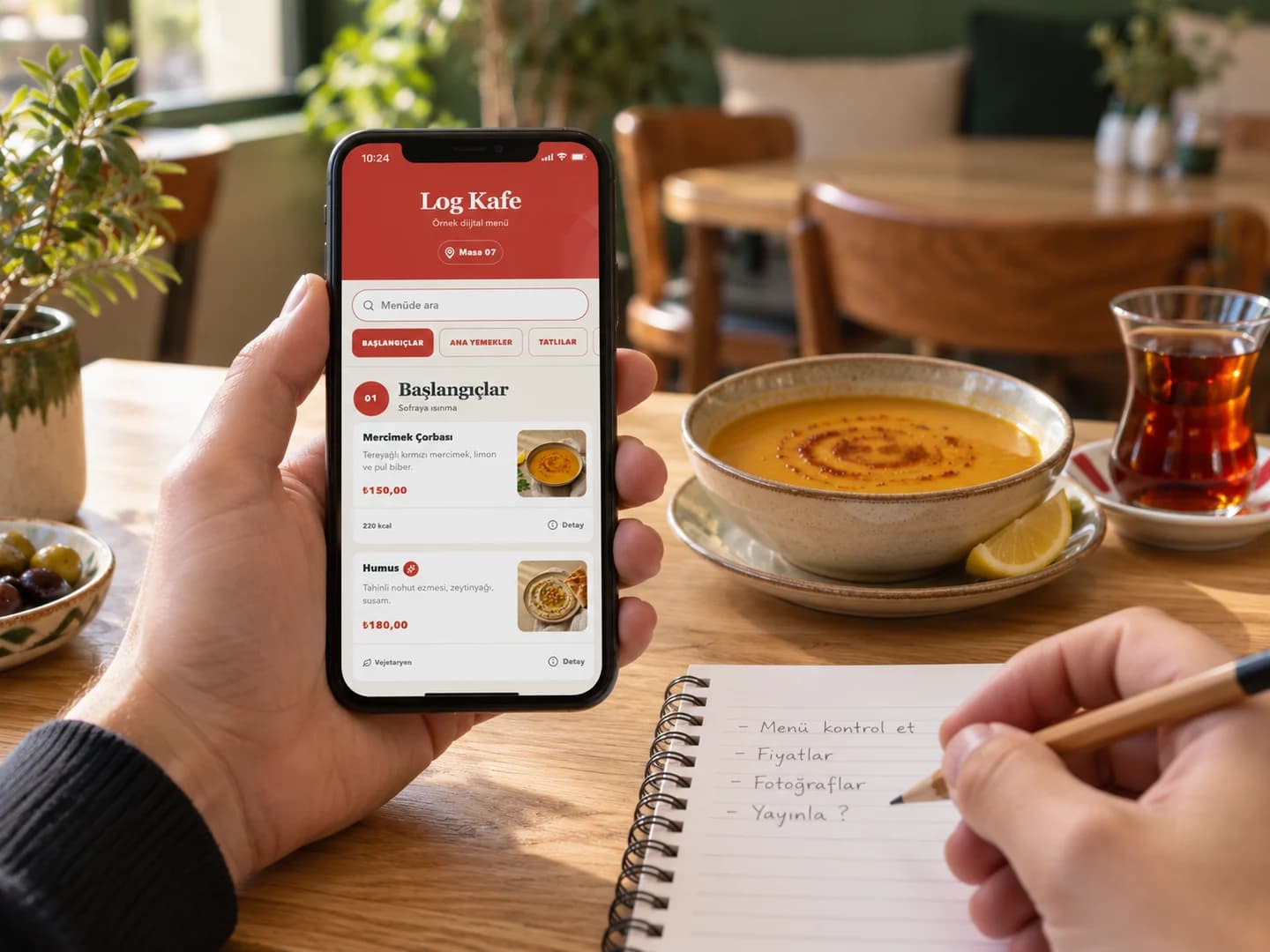
How to create a QR menu: from product list to first publication
Prepare a QR menu for your café or restaurant: product details, digital menu, QR code, table testing and update checks.
NFC vs QR menu: which suits your business?
Compare NFC and QR menus by access method, phone compatibility, table placement and everyday use.
Import a menu photo with AI: make two credits count
Prepare a readable photo, review prices and revise the draft when importing a printed menu with LogMenu AI.
Try free for 7 days
Verify your email and prepare your menu. Your 7-day free trial starts when you first publish; your account includes 2 AI credits in total. No card details required.
An AI message, photo import or URL import uses one credit. Failed jobs are refunded. Review your draft before publishing.
See it in
your venue.
We upload your menu and show it live in 20 minutes. We can plan your setup in the same call.