Starter
For a single venue that wants straightforward digital menu management.
- QR menu and a shareable link
- Product, category and price management
- Menu themes and multilingual content
- Basic menu statistics
Try it with your own menu first. Then continue on a suitable plan with the same menu link.
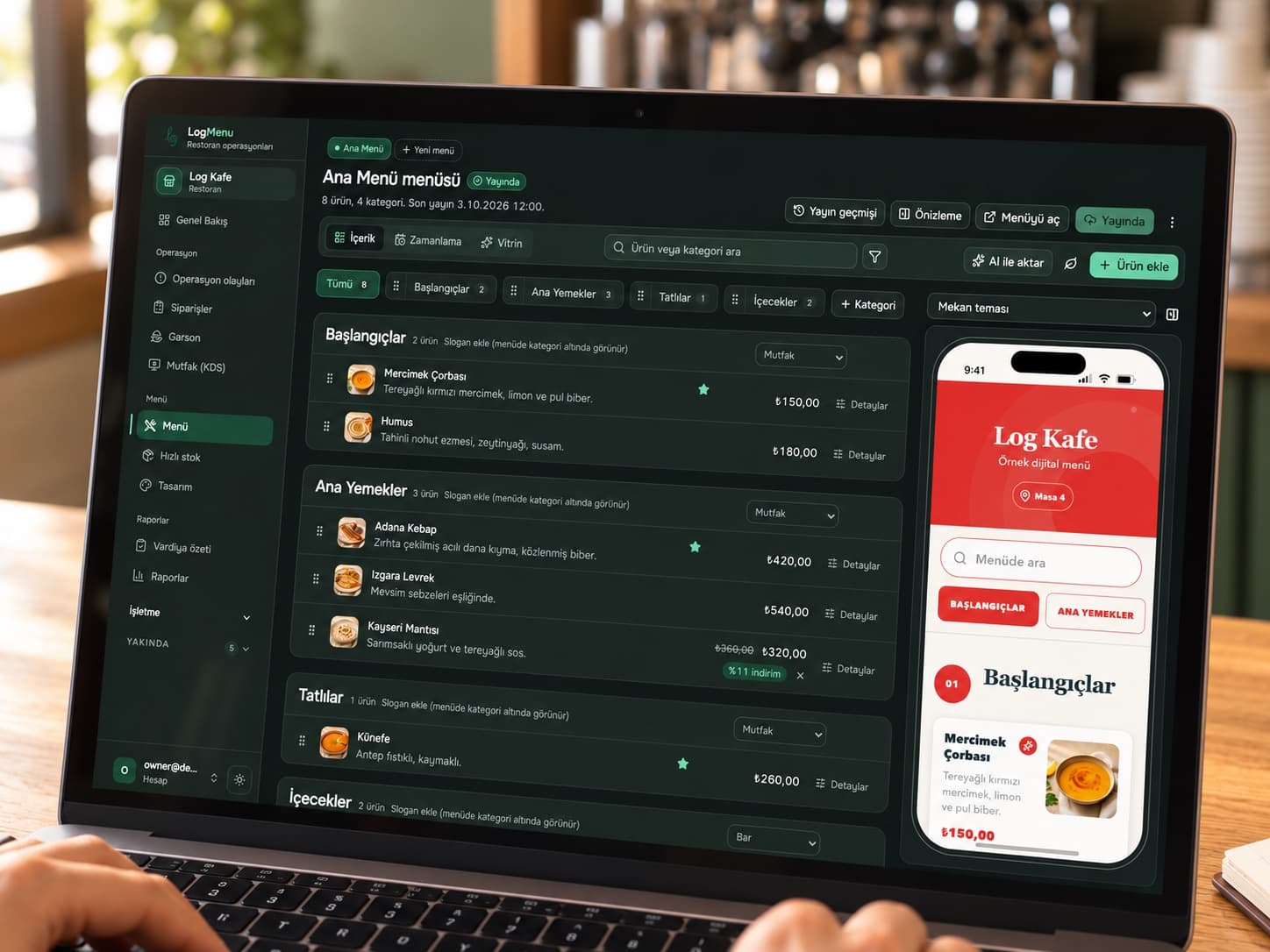
For a single venue that wants straightforward digital menu management.
For teams managing the full table service, from menu to ordering.
For venues with multiple locations or specific setup requirements.
Let’s choose the right plan for your venue. Table stands and plates are quoted separately by model, quantity and customisation.
Create an account and verify your email to start preparing your menu. The seven-day period begins on first publication. Your account includes two AI credits for message, photo or URL drafts. Failed jobs are refunded.
Submit a plan request from your dashboard. Our team will contact you about activation. When the trial expires, public menu access stops while your products, categories and drafts remain saved. Once activated, continue with the same link.
Stands and plates are quoted by model, quantity and customisation. For multiple locations, share your branch count and service requirements.
Verify your email and prepare your menu. Your 7-day free trial starts when you first publish; your account includes 2 AI credits in total. No card details required.
An AI message, photo import or URL import uses one credit. Failed jobs are refunded. Review your draft before publishing.
Create a QR menu for your restaurant or café. Manage categories, products and prices with LogMenu and try it free for 7 days.
Turn a menu photo, website URL or product list into an editable digital menu draft with LogMenu AI. Review categories, products and prices before importing.
Explore rectangular and oval LogMenu QR and NFC table stands. Design the appearance around your logo and table layout.