Put a current menu behind your QR code
A QR code opens a link. The useful part is how easily you can manage the menu behind it. LogMenu lets you organise products into categories and edit prices, descriptions and images.
Published content and working drafts are separate. Review your changes and publish them when ready. The menu link stays the same.
Prepare your first menu in three steps
- Create your business account and verify your email.
- Add products manually or create an AI draft from a photo, URL or message.
- Review and publish your menu, then download a QR code for its link.
Designed for café and restaurant tables
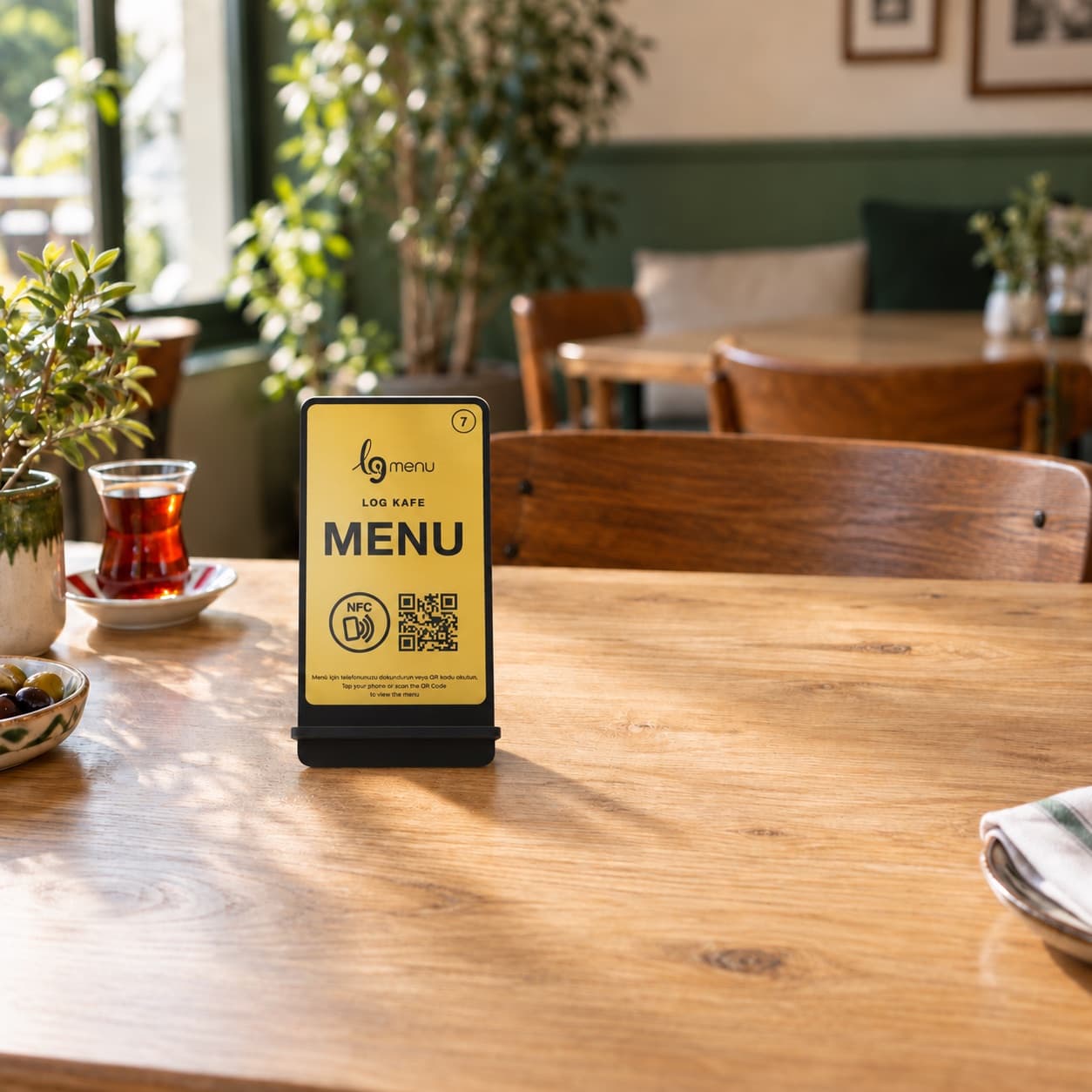
Readable categories, product photos and prices reduce the need to zoom around a long PDF. Guests can open the menu without installing an app. Share the QR code on a stand, a plate or your existing print materials.
What does the trial include?
A verified email account receives two AI credits in total. The seven-day digital menu trial starts on first publication. Physical table products are separate from the trial.